Draxon VR Training Syllabus
Controls
 Virtual Reality
Description
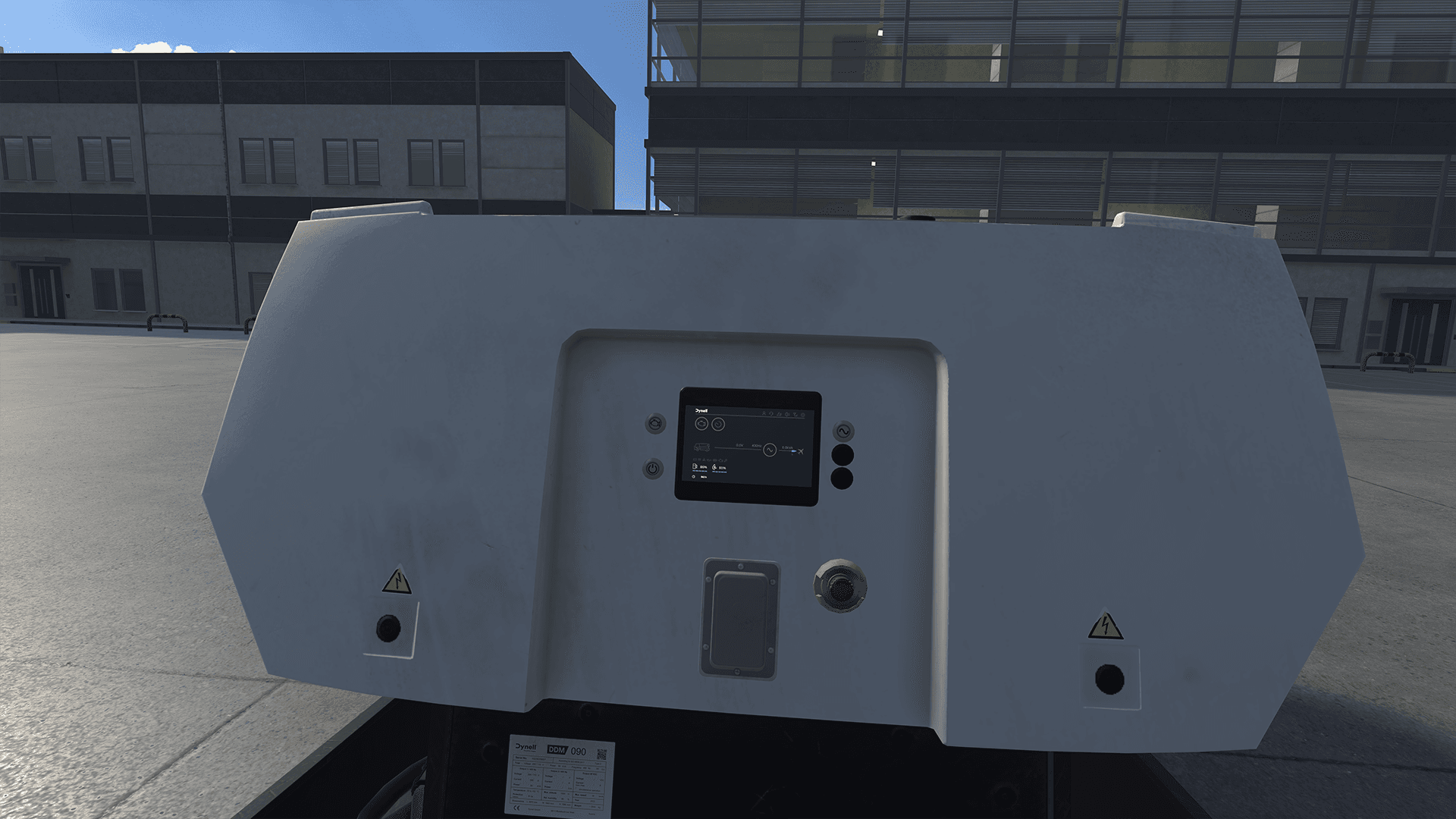
This lesson introduces the controls and indicators of the Ground Power Unit (GPU). Trainees learn to operate the main physical buttons and the integrated touchscreen display while gaining familiarity with the logic and safety principles of GPU operation during aircraft turnaround.
Description
This lesson introduces the controls and indicators of the Ground Power Unit (GPU). Trainees learn to operate the main physical buttons and the integrated touchscreen display while gaining familiarity with the logic and safety principles of GPU operation during aircraft turnaround.
Lesson Overview
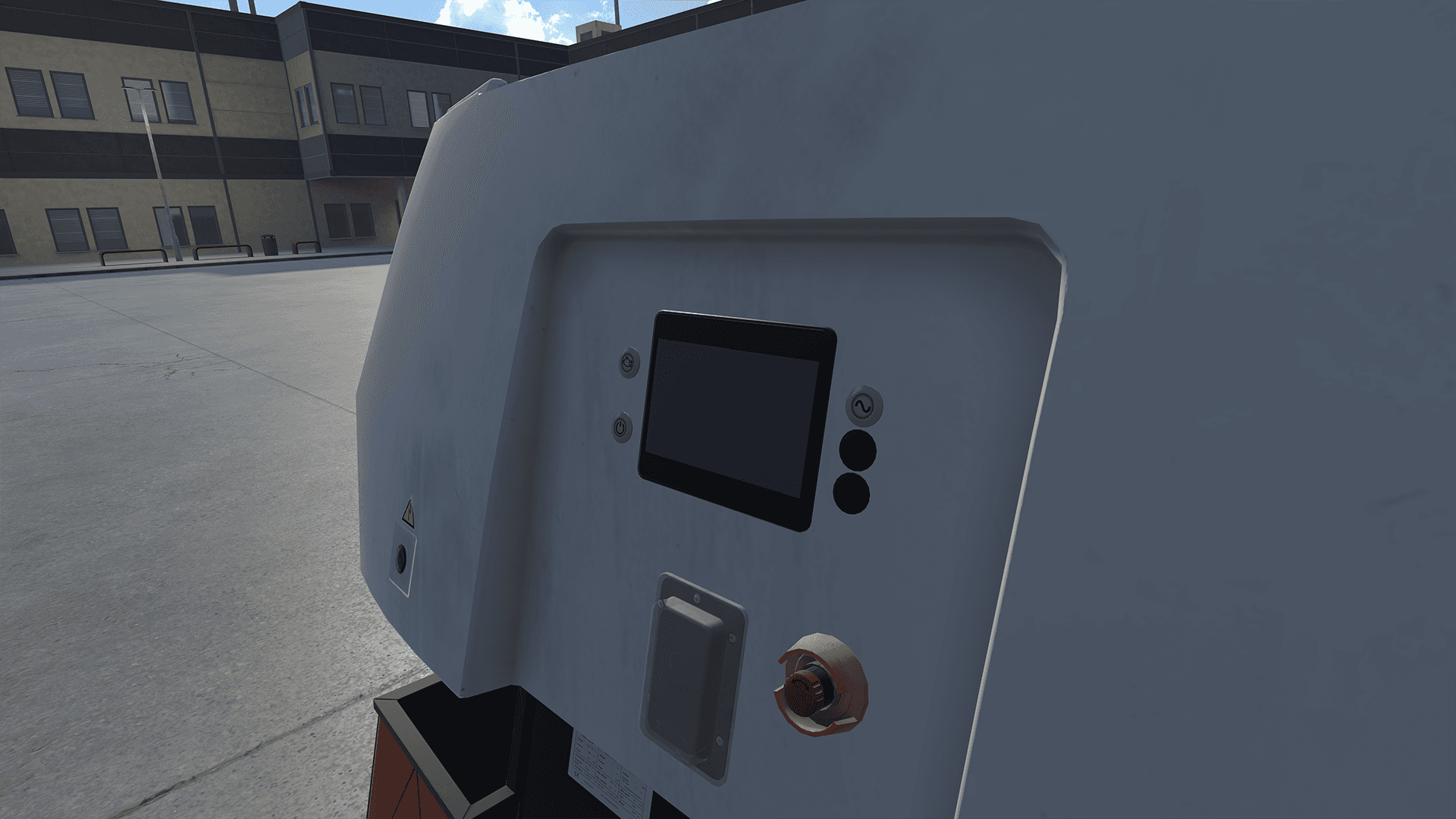
- 1Overview of the four main buttons: Ignition, Engine, Power Output, and Emergency Stop.
- 2Explanation of the correct activation sequence for normal operation.
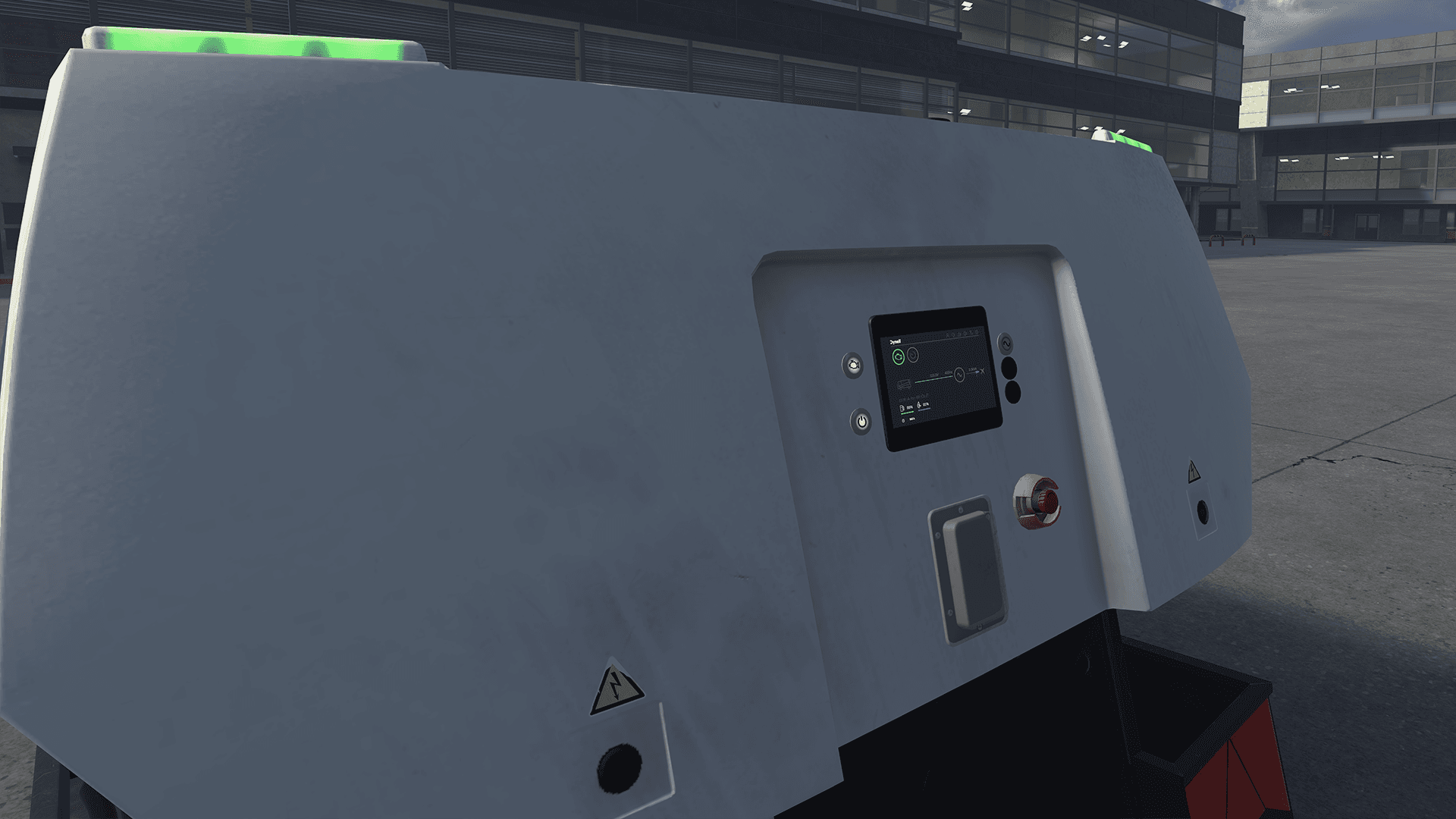
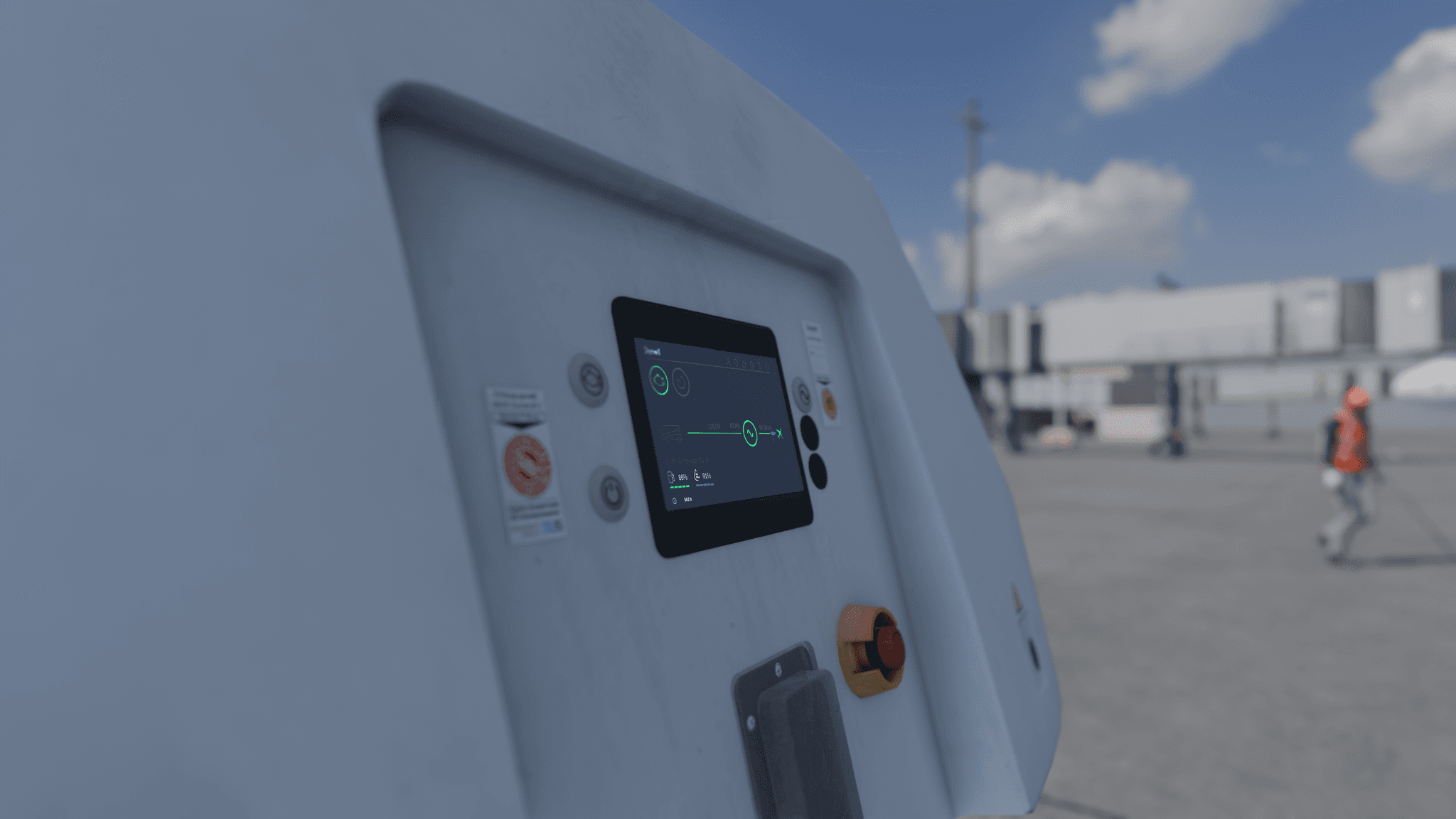
- 3Demonstration of the touchscreen display and its mirrored digital controls.
- 4Illustration of key status indicators including voltage, power flow, and fuel levels.
Skills Acquired
- Identify and describe the main GPU control buttons.
- Understand the sequence required to power the GPU and aircraft connection.
- Interpret display readouts for voltage, power output, and system status.
- Recognize the function of safety features including the Emergency Stop and automatic engine shutdown.
Lesson Procedure
- Trainee starts in front of the GPU control panel.
- Introduction to the four physical buttons and their roles.
- Demonstration of the correct button sequence: Ignition → Engine → Power Output.
- Overview of the touchscreen display, mirrored controls and indicators including fuel level and automatic engine shutdown among others.
- Example sequence showing GPU powering the aircraft and cable disconnection feedback.
- Brief look at fuel, AdBlue, and other operational indicators.
- Lesson concludes with reminder to verify controls on other GPU models before use.
Safety Scenarios & Learnings
Power cable disconnected during operation
Display indicators change color to red or gray, and output values reset to zero. This demonstrates how the GPU visually signals a loss of power connection and reinforces awareness of connection status during use.
Display indicators change color to red or gray, and output values reset to zero. This demonstrates how the GPU visually signals a loss of power connection and reinforces awareness of connection status during use.
Gallery