Draxon VR Training Syllabus
Walkaround
 Virtual Reality
Description
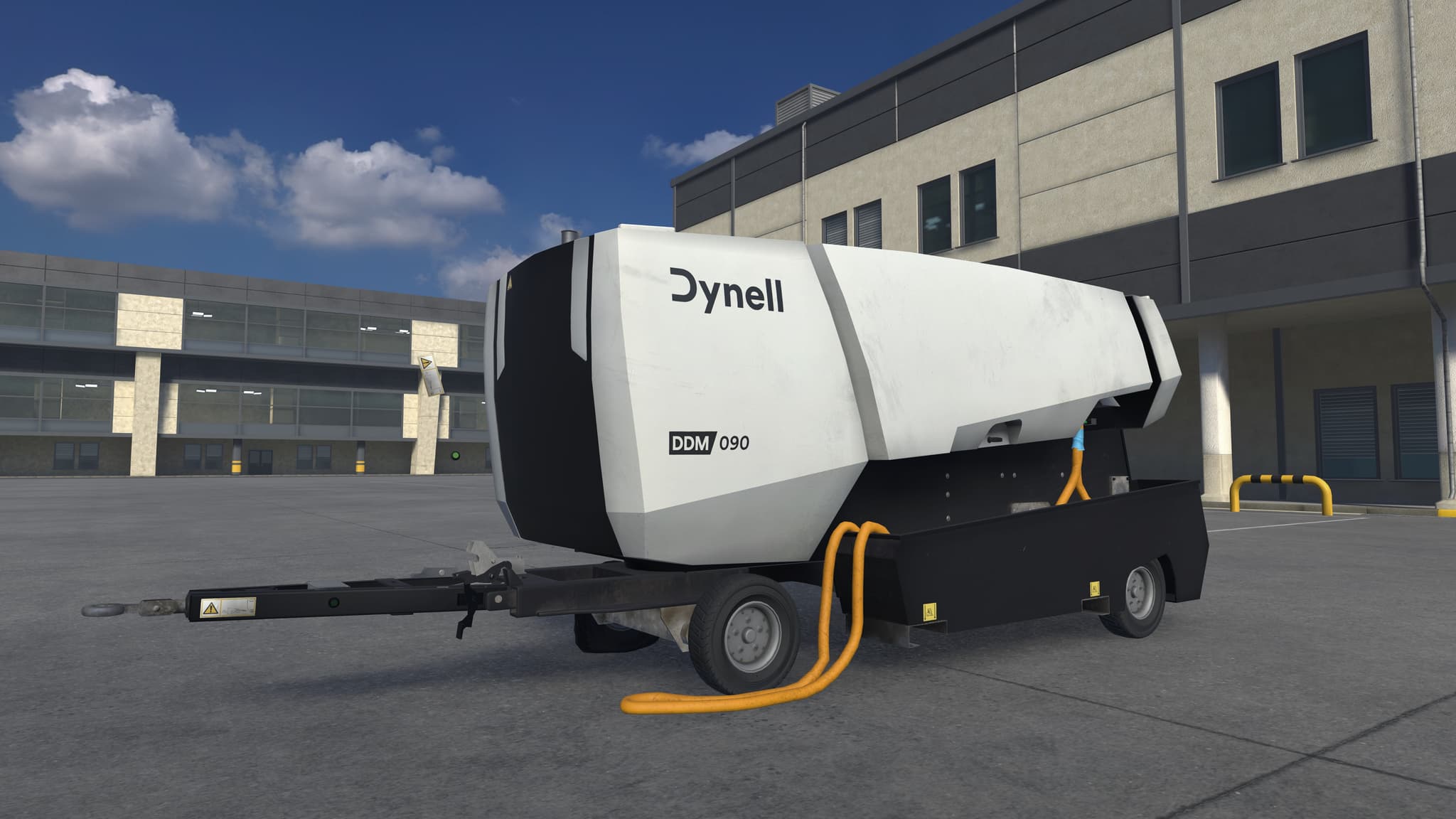
This lesson enables trainees to perform a full pre-operation walkaround of a Ground Power Unit (GPU). They learn to identify damage, leaks, and electrical faults, ensuring the equipment is safe and operational before aircraft servicing.
Description
This lesson enables trainees to perform a full pre-operation walkaround of a Ground Power Unit (GPU). They learn to identify damage, leaks, and electrical faults, ensuring the equipment is safe and operational before aircraft servicing.
Lesson Overview
- 1Introduction to the purpose and importance of the GPU walkaround
- 2Guided inspection of all major components and safety checks
- 3Demonstration of what to look for and why each step matters
- 4Hands-on exercise identifying faults on a defective GPU
Skills Acquired
- Perform a complete pre-operation inspection following standard ground handling procedures
- Detect and report structural, mechanical, or electrical faults that affect operational safety
- Verify the readiness of all key systems including fuel, cables, and indicators
- Apply systematic inspection habits to maintain reliability and prevent ramp incidents
Lesson Procedure
- The trainee begins in front of a parked GPU and is introduced to the purpose of the walkaround.
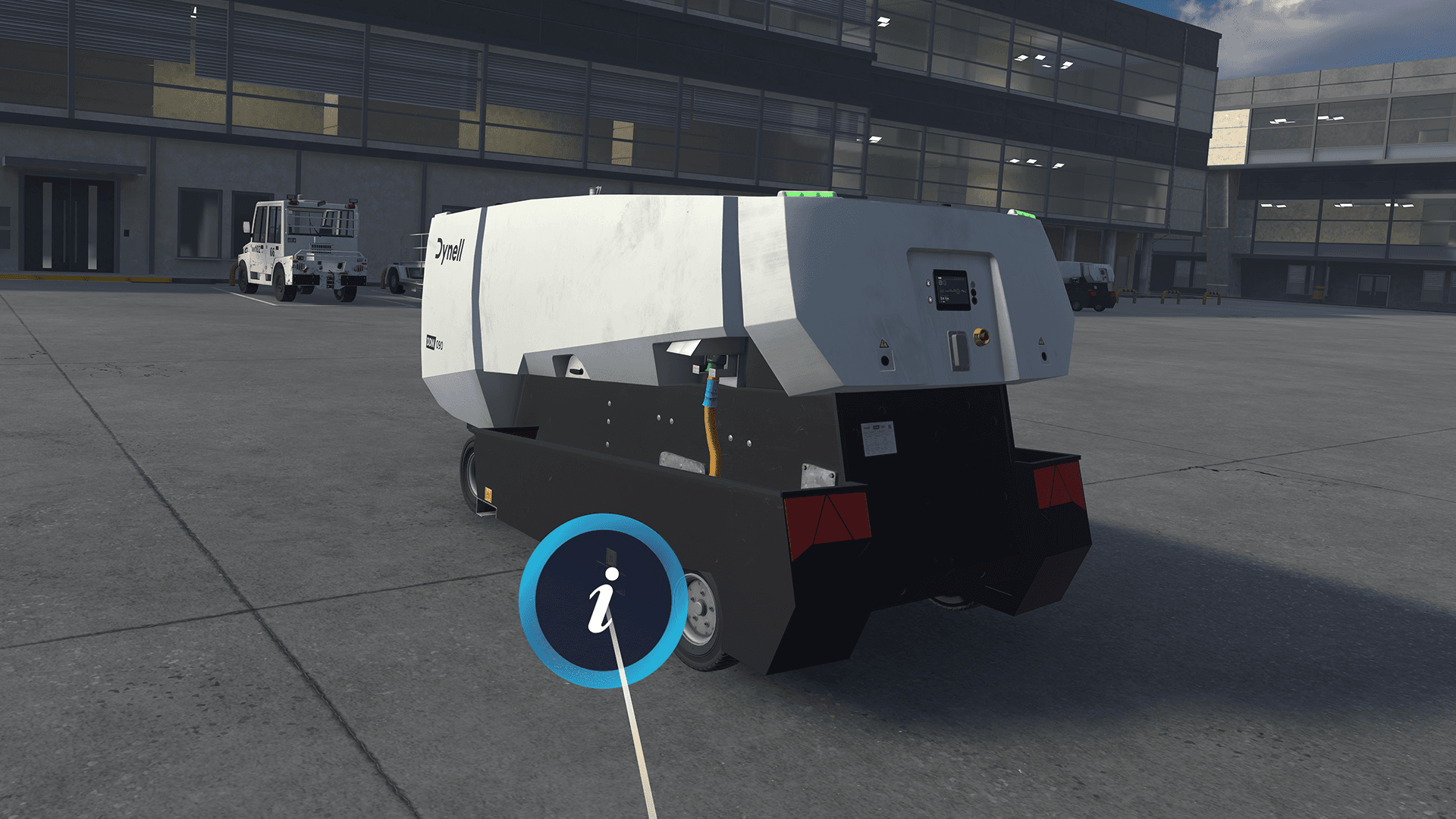
- The system guides the trainee through 15 inspection points covering safety clearance, drawbar, chocks, tires, cables, fluids, plug, and control elements.
- At each point, the trainee observes correct and incorrect conditions and receives explanations on their operational impact.
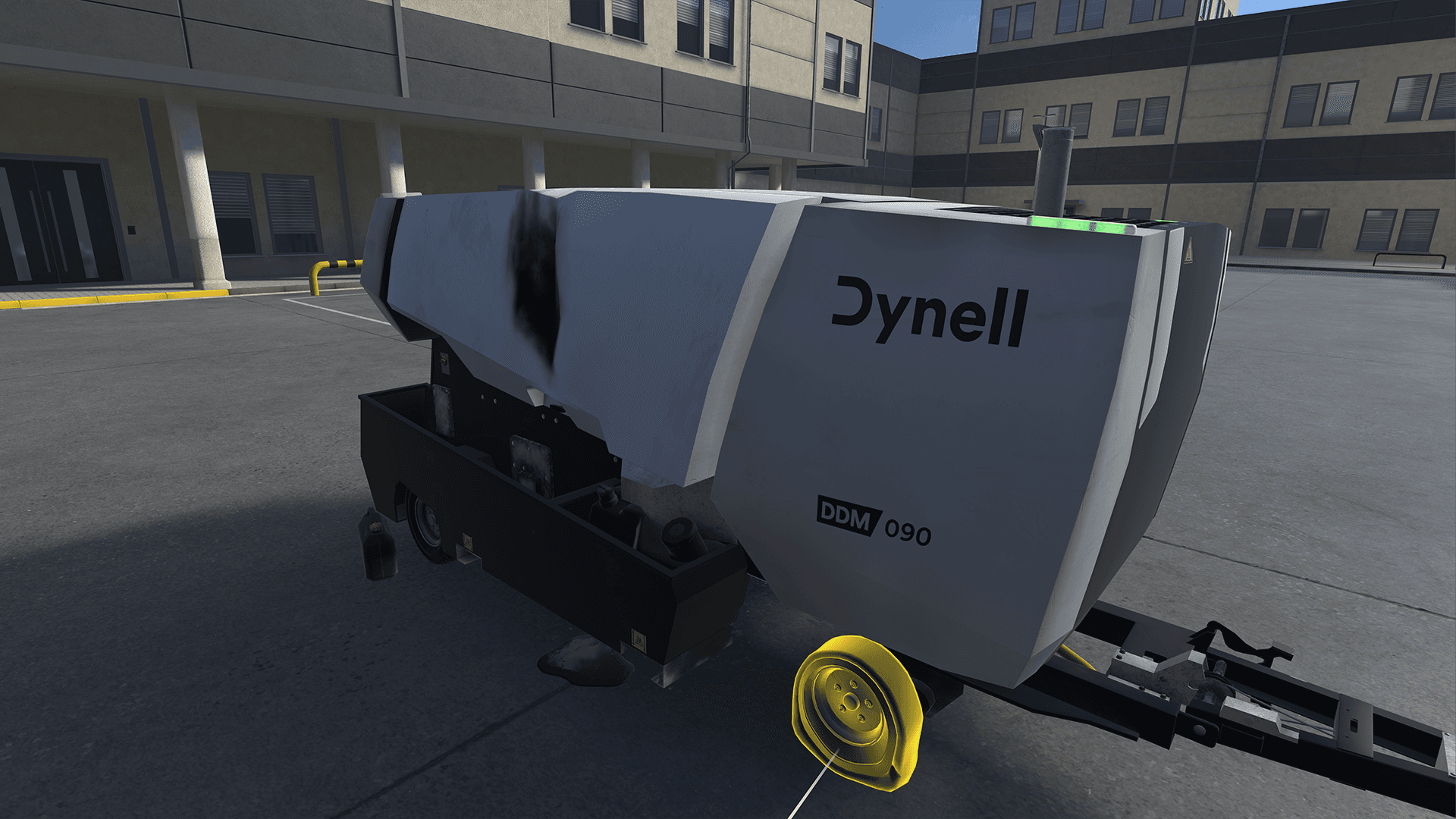
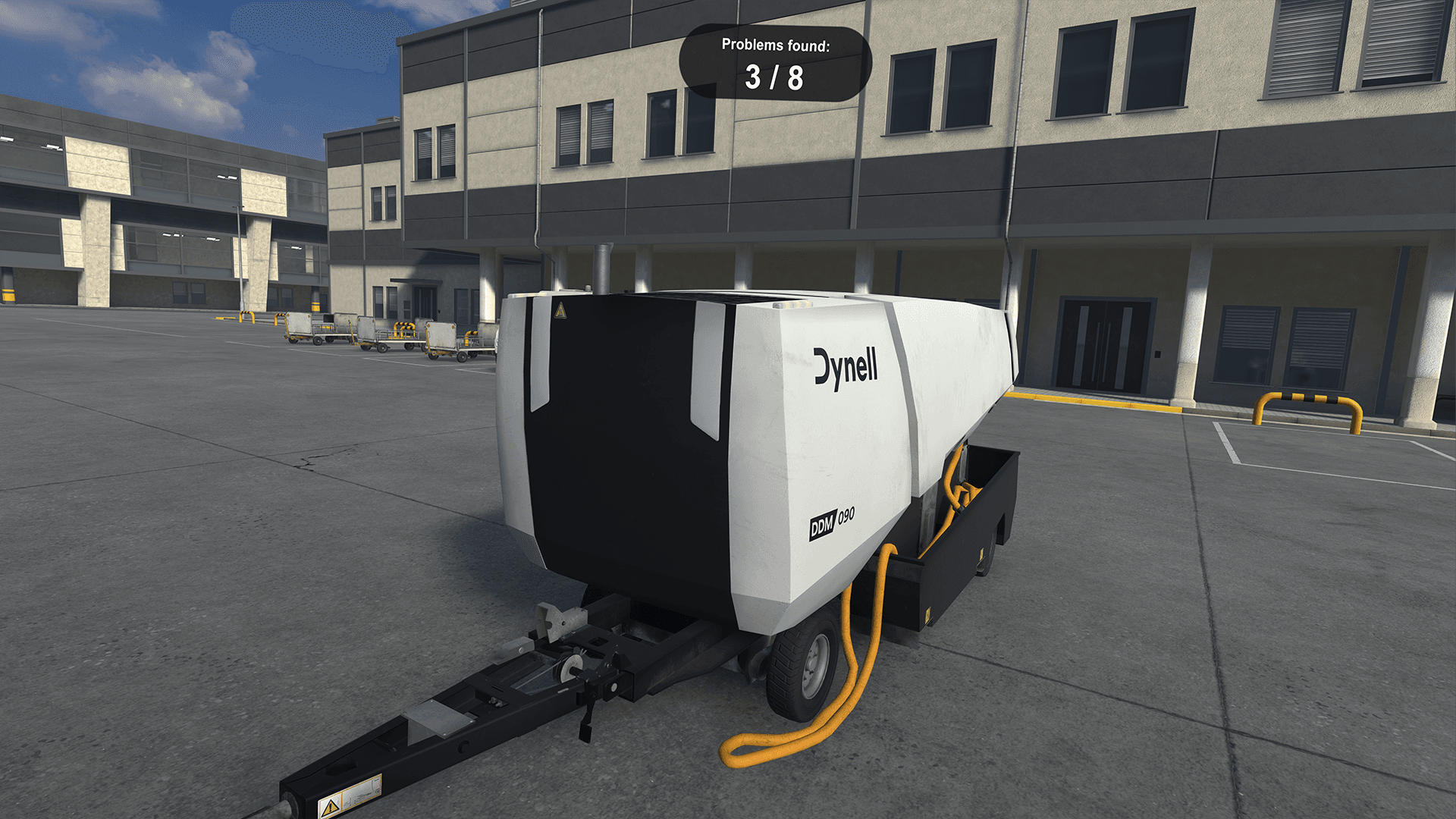
- The scene then resets with a GPU containing eight simulated faults for hands-on identification.
- The trainee locates and confirms each planted problem, receiving visual feedback for correct findings.
- The lesson concludes with a summary of all inspection steps and identified fault areas.
Safety Scenarios & Learnings
Damaged or obstructed surroundings
Triggers a safety cue, reinforcing the need to keep the area clear of FOD and obstacles to prevent accidents before operation.
Triggers a safety cue, reinforcing the need to keep the area clear of FOD and obstacles to prevent accidents before operation.
Drawbar left down
Issues a fault alert, emphasizing that it must be latched to prevent movement, tripping, or rolling hazards.
Issues a fault alert, emphasizing that it must be latched to prevent movement, tripping, or rolling hazards.
Structural or surface damage
Displays an unserviceable warning, teaching that dents, burns, or cracks must be reported to maintain safe, airworthy equipment.
Displays an unserviceable warning, teaching that dents, burns, or cracks must be reported to maintain safe, airworthy equipment.
Fuel or fluid leak
Locks controls and shows an unserviceable status, stressing that leaks must be reported immediately to avoid fire or contamination risks.
Locks controls and shows an unserviceable status, stressing that leaks must be reported immediately to avoid fire or contamination risks.
Missing chocks or damaged tires
Prompts a safety warning, underlining the need for stable, restrained, and roadworthy equipment before towing or operation.
Prompts a safety warning, underlining the need for stable, restrained, and roadworthy equipment before towing or operation.
Power cable or plug damage
Generates a fault warning, reminding that cables and connectors must be properly stowed and intact to prevent electrical or tripping hazards.
Generates a fault warning, reminding that cables and connectors must be properly stowed and intact to prevent electrical or tripping hazards.
Faulty lights or unreadable panel
Triggers a visibility or interface warning, reinforcing that all indicators and lights must function for safe communication and control.
Triggers a visibility or interface warning, reinforcing that all indicators and lights must function for safe communication and control.
Active warning indicator
Displays a no-go alert, teaching that the GPU must not be used until all system faults are resolved and normal operation confirmed.
Displays a no-go alert, teaching that the GPU must not be used until all system faults are resolved and normal operation confirmed.
Gallery